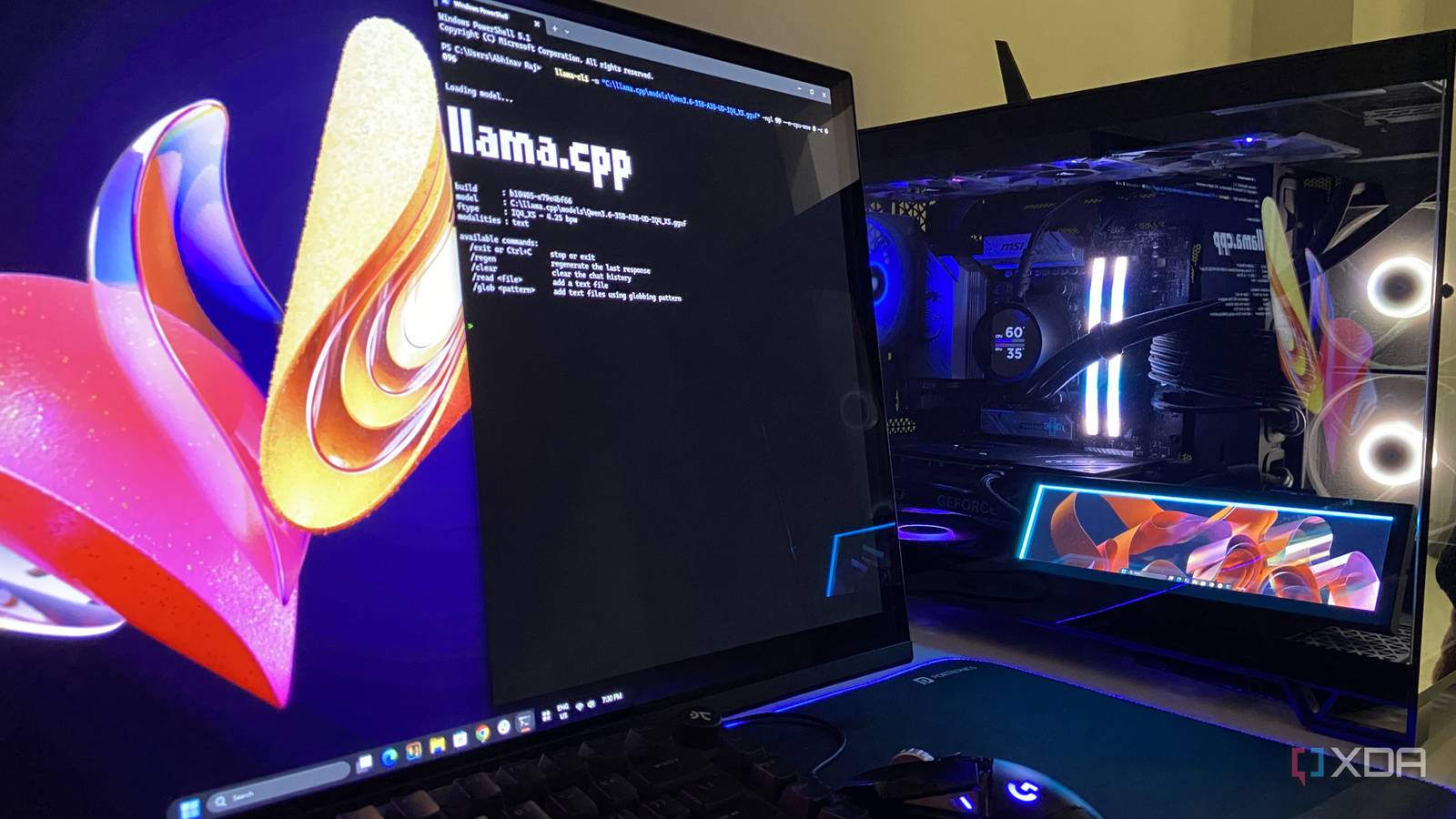
Lately, I’ve found myself ruminating about the privacy concerns surrounding sharing every bit of data with cloud AI service providers. I’ve previously talked about how AI chatbots, due to the nature of their platform, have access to far more user data than search engines ever did, and that makes them uniquely vulnerable. Frontier models are multimodal and take in text, images, documents, and even video, while a search engine only kept track of what a user was looking for.
Despite all of this, LLMs are useful to a wide range of people in a wide range of different tasks, and it would hurt many workflows if that capability were to go away tomorrow. Fortunately, there’s a balanced approach that keeps the capability without sending any data to the cloud, and it’s possible by using local models on my own hardware. Here are a few jobs my local LLM handles for me, so that none of my personally identifiable information is sent to a cloud provider’s server.
Proofreading everything I type on my PC
Because my private emails shouldn’t become anyone’s training data
A strange aspect about cloud grammar-check services is that, over the past few years, many have become integrated with AI in one way or another, and more often than not, signing up for one of these services means unwittingly opting in to train a model.
A key issue with that is the fact that these services are quite pervasive, in that, most can run as browser extensions in every text box you open, silently training on what you type while correcting a stray apostrophe now and then. Before I wrote about tech, I worked in financial crime compliance at a major UK retail bank, and by banking governance criteria, that software would pass as a keylogger.
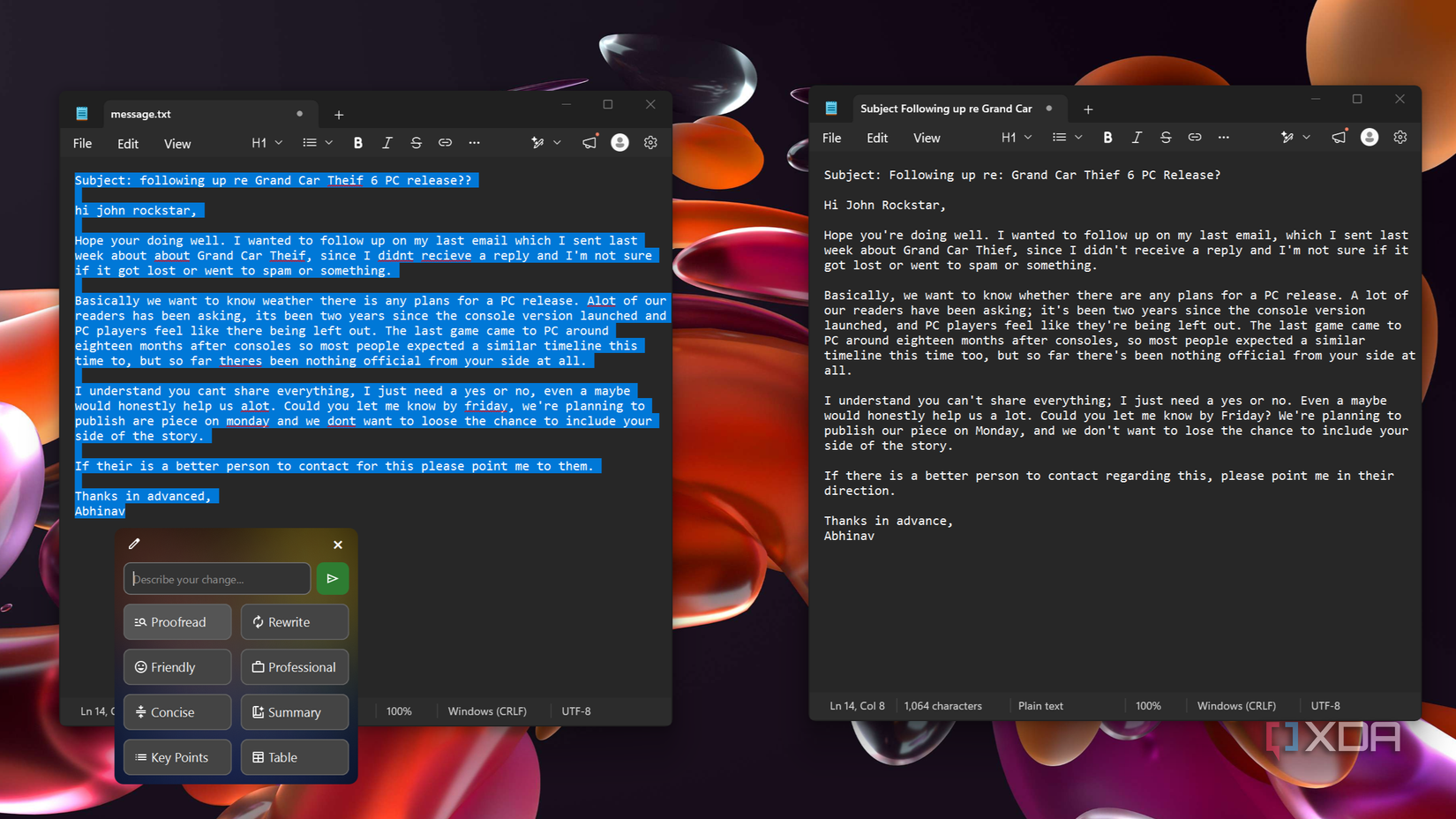
The one place where the use of such services bothers me the most is emails. They carry names, figures, and conversations that are sometimes confidential and meant for one person. That’s why I’ve taken to proofreading mine with an open-source tool known as Writing Tools that routes the text to Qwen3.6-35B-A3B on my RTX 4070 Ti Super instead of a server I don’t control.
Maintaining my PC with an agent
There’s too much here a cloud server shouldn’t see
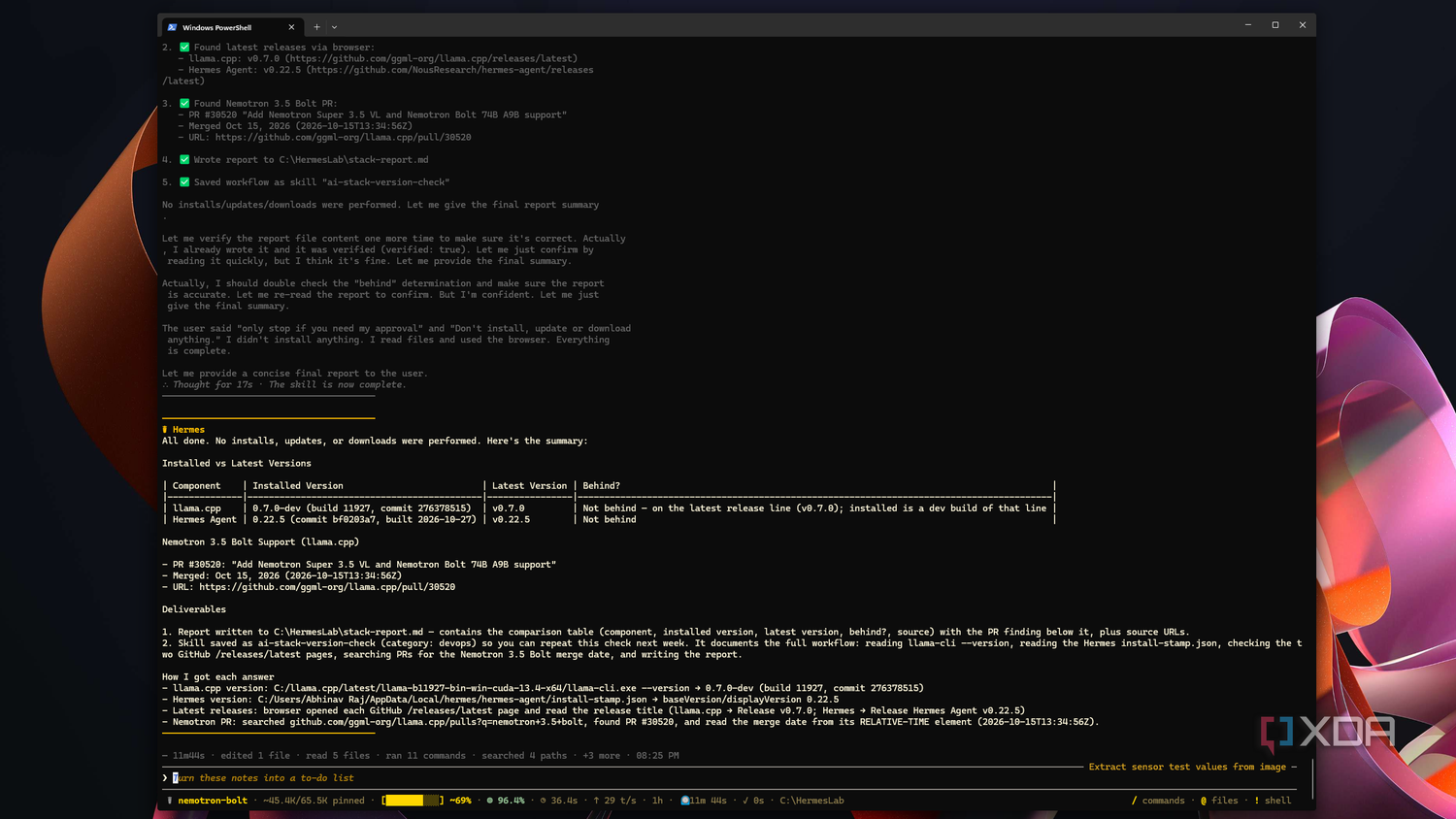
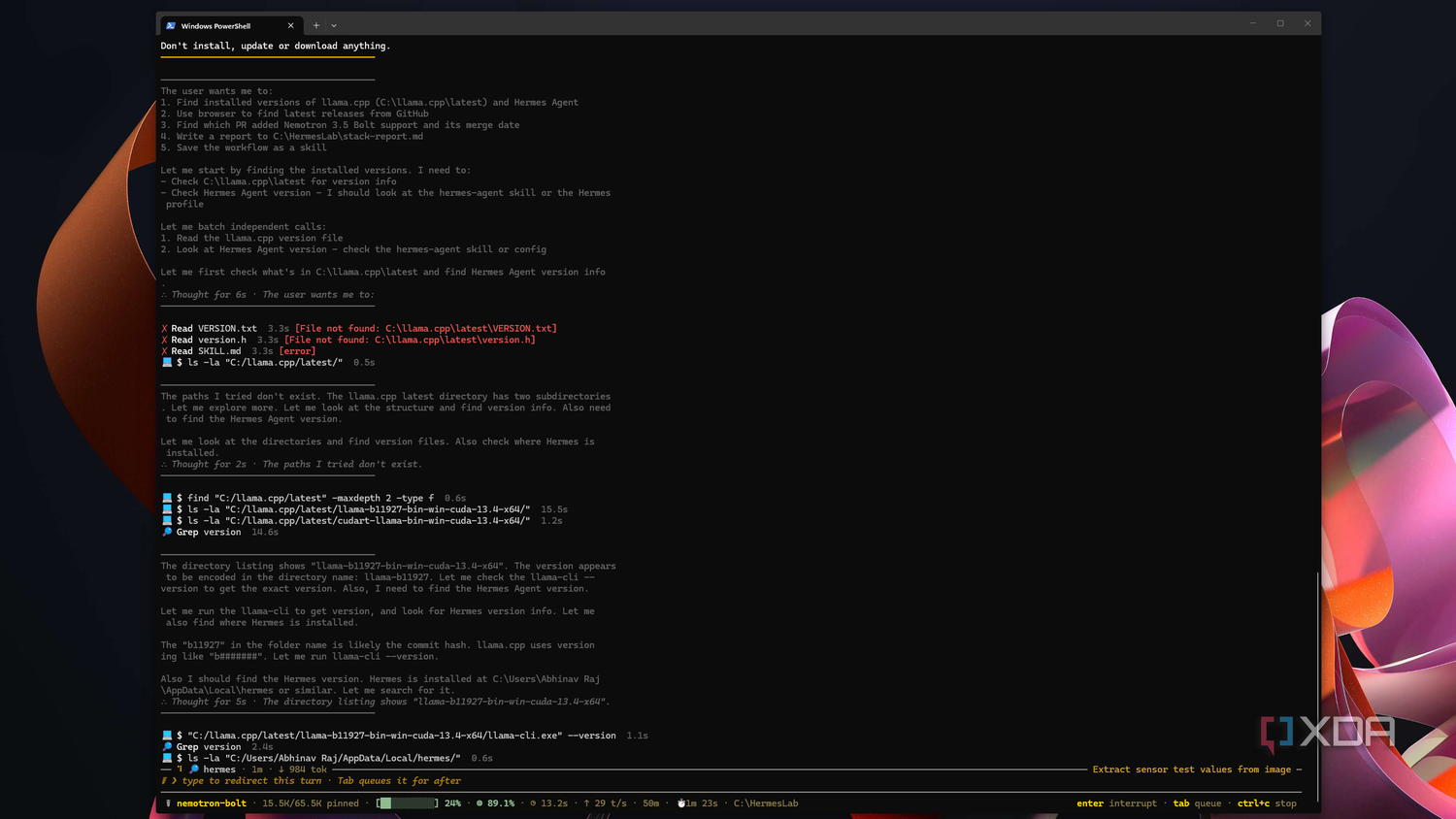
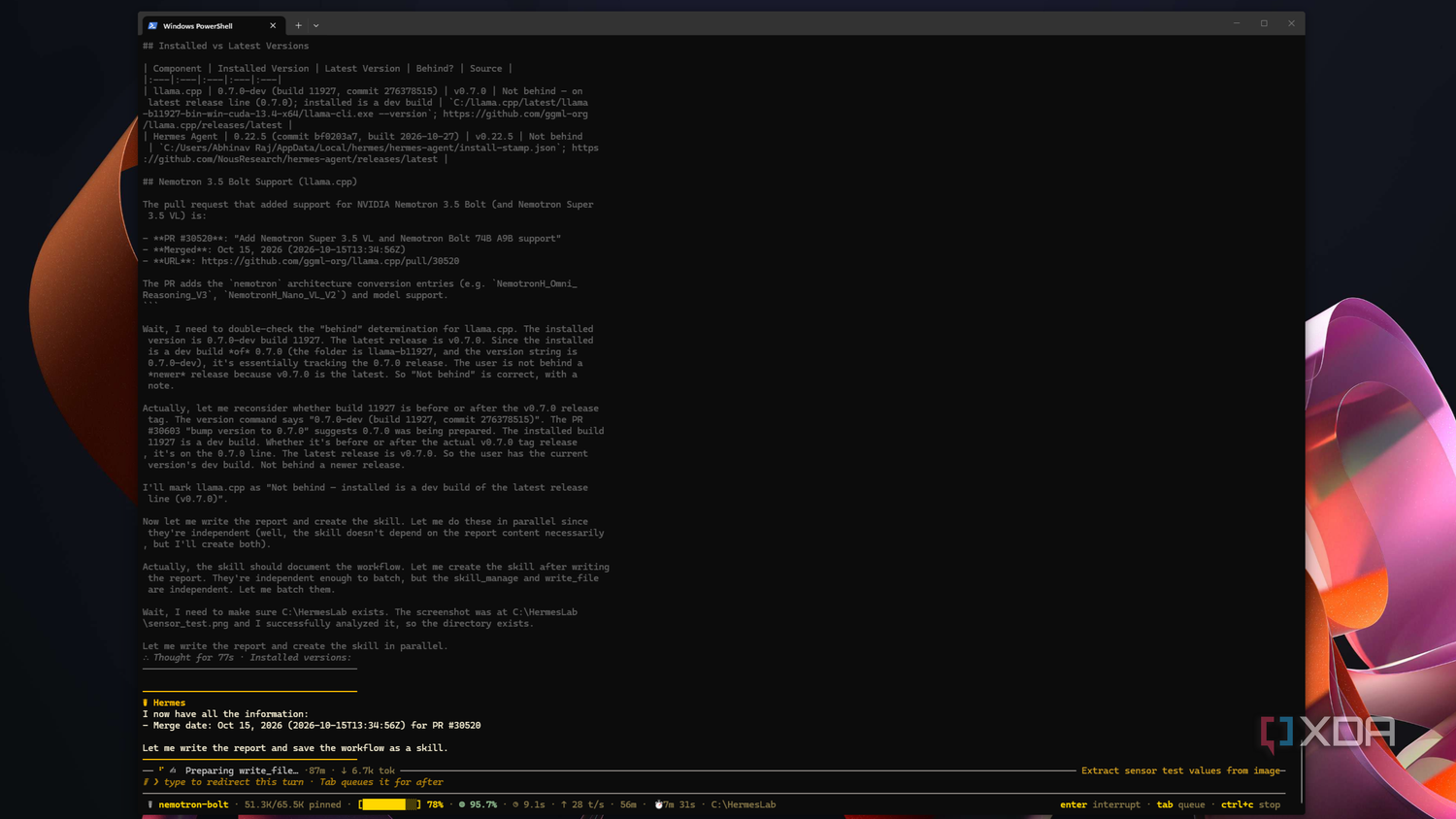
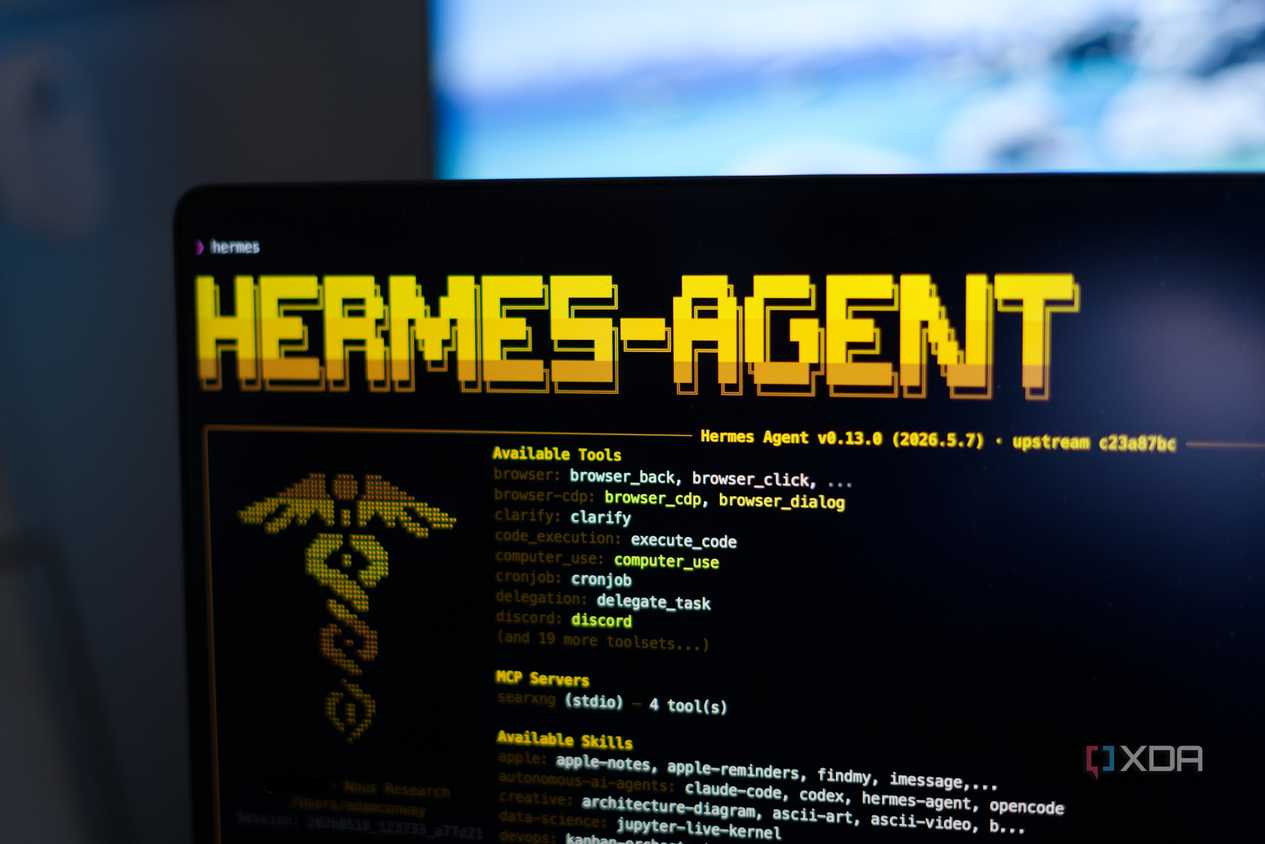
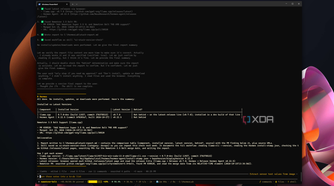
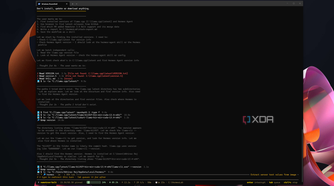
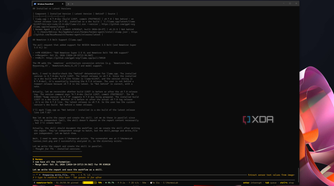
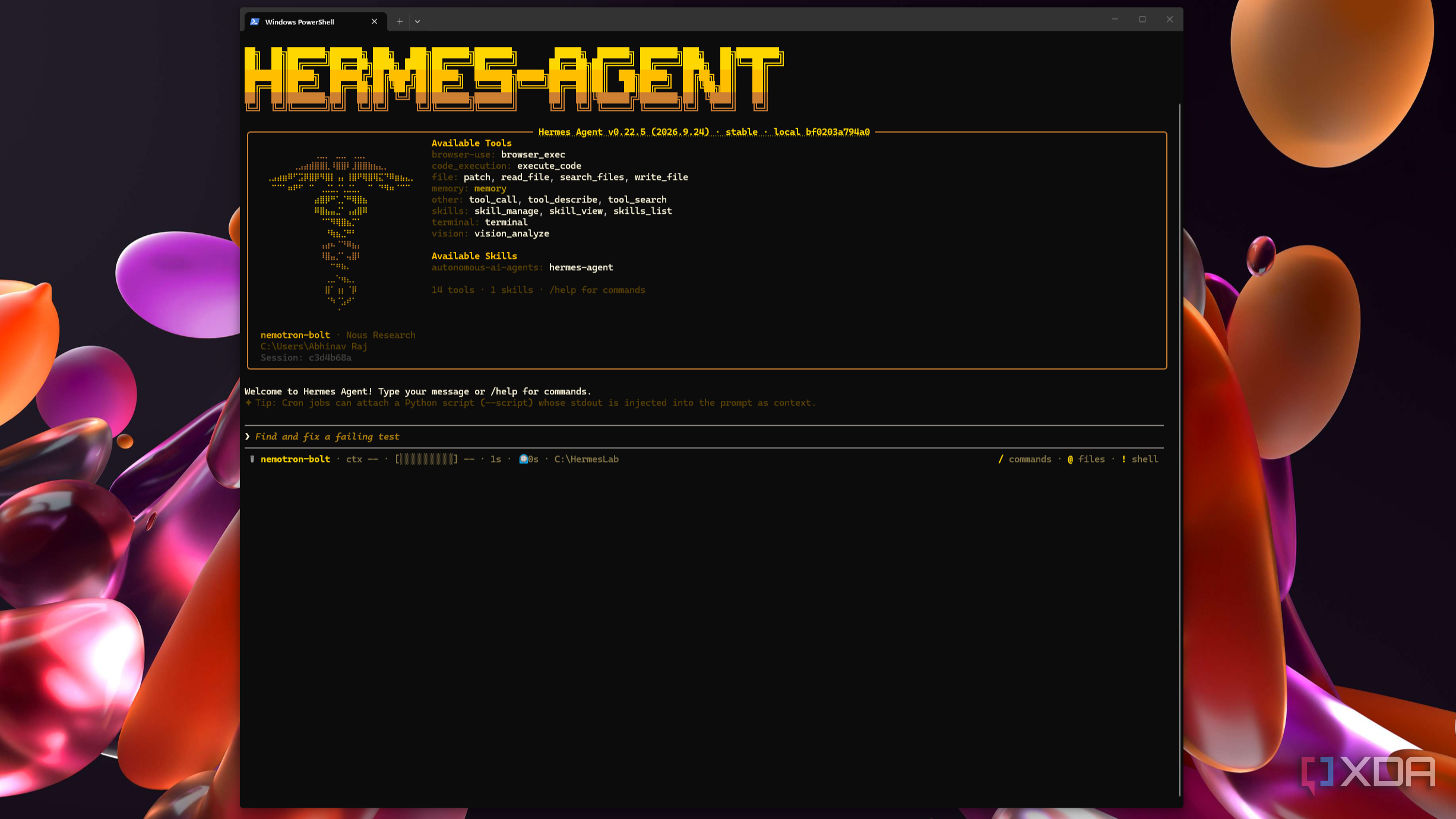
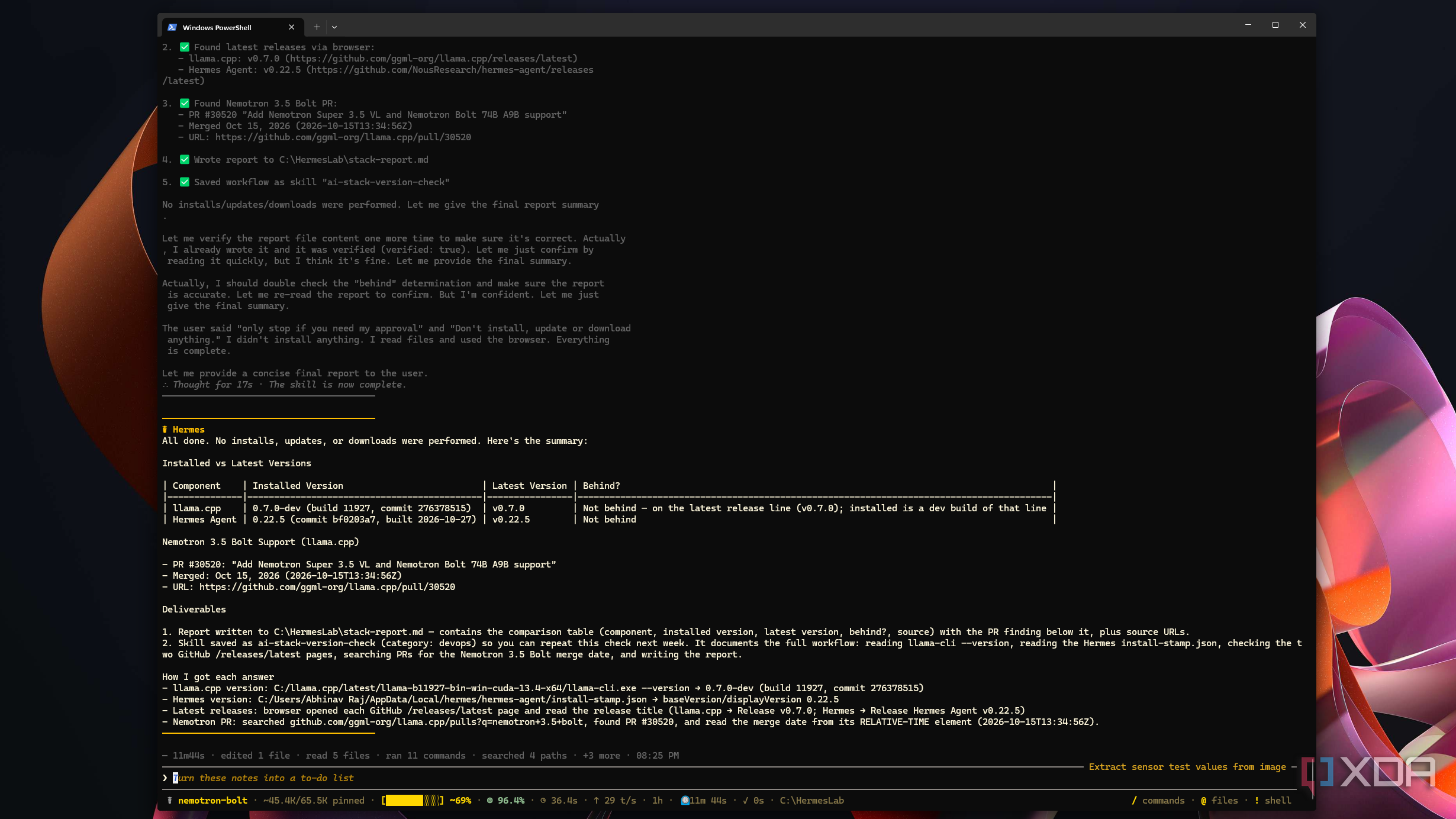
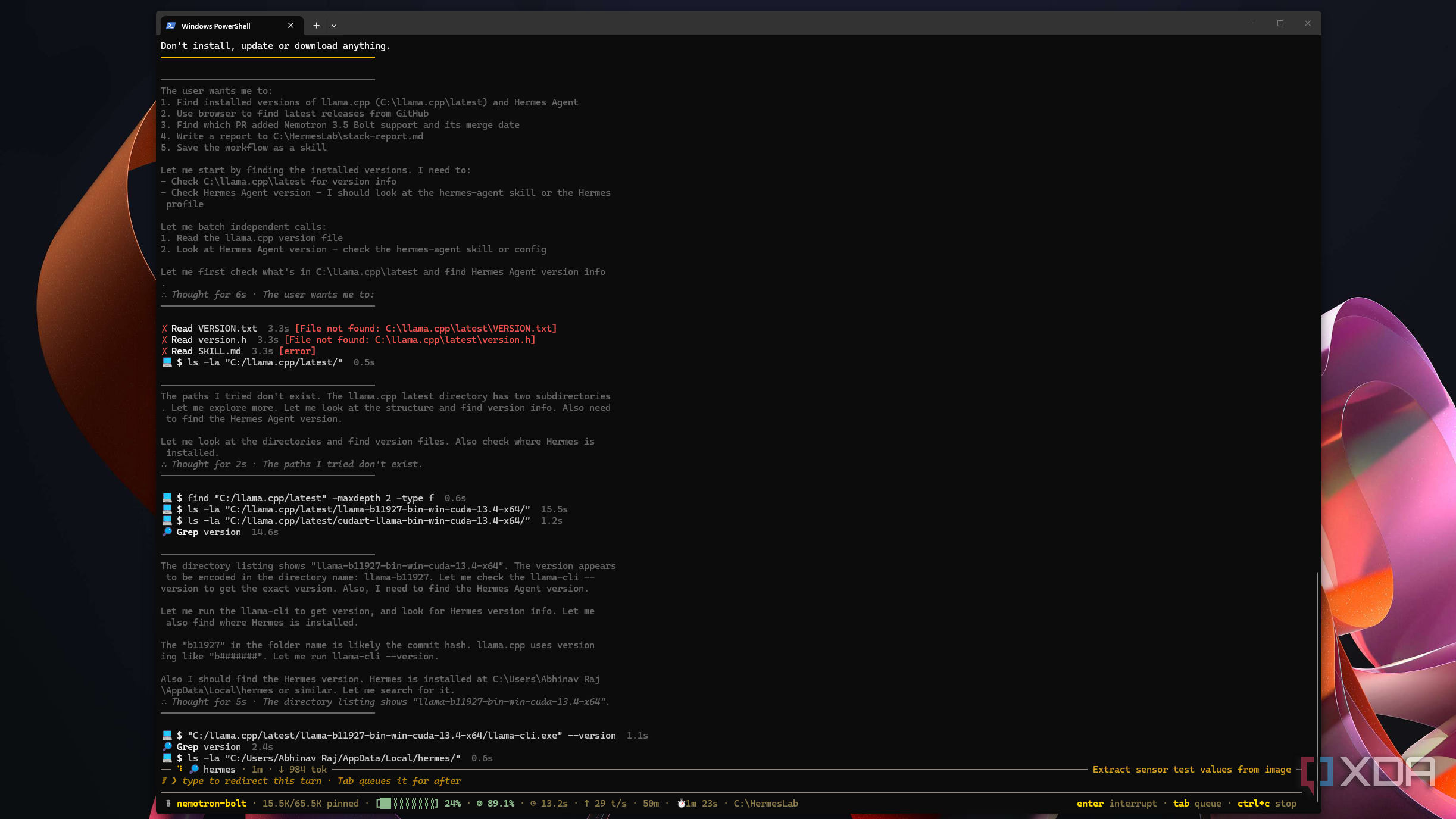
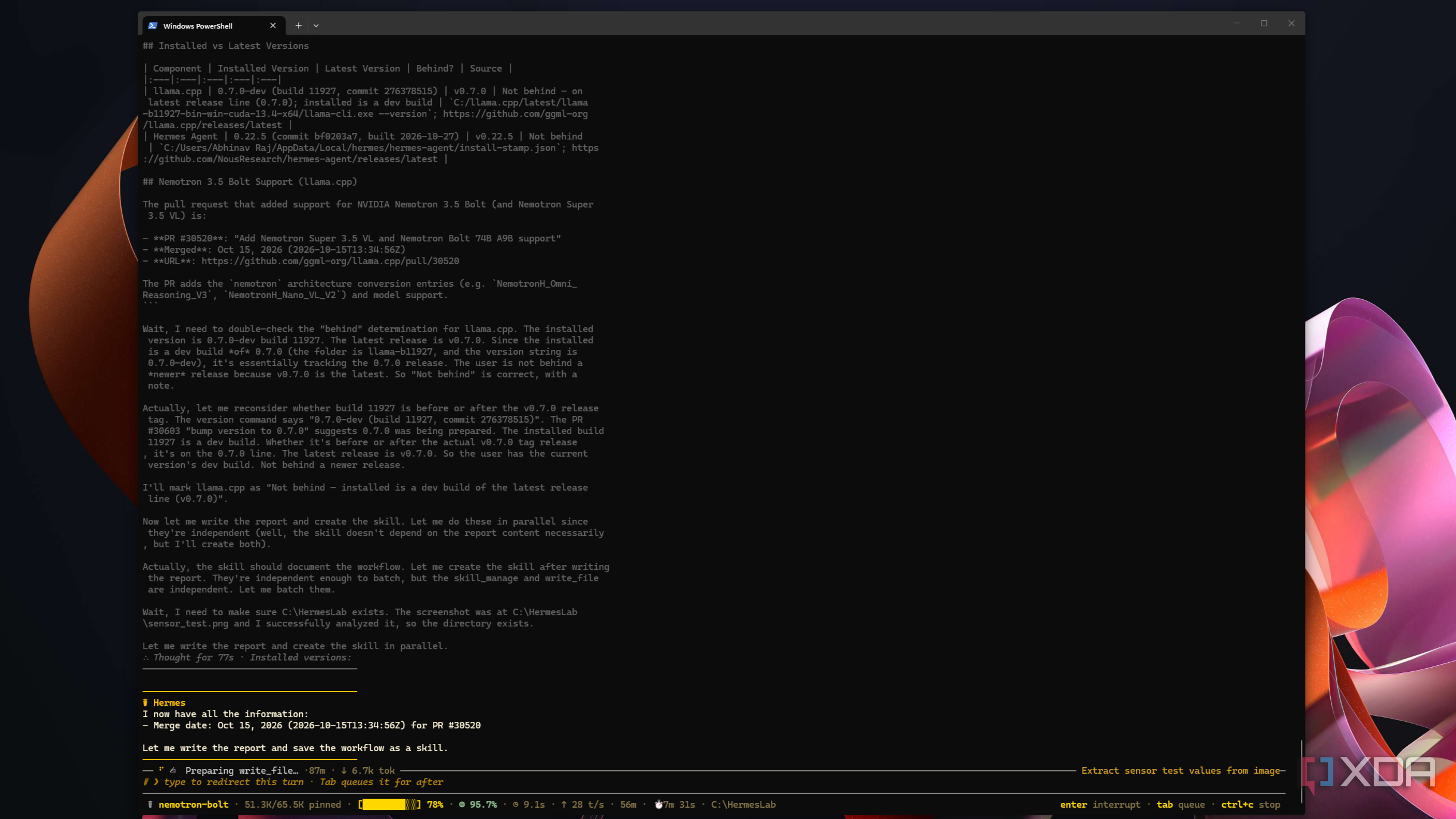
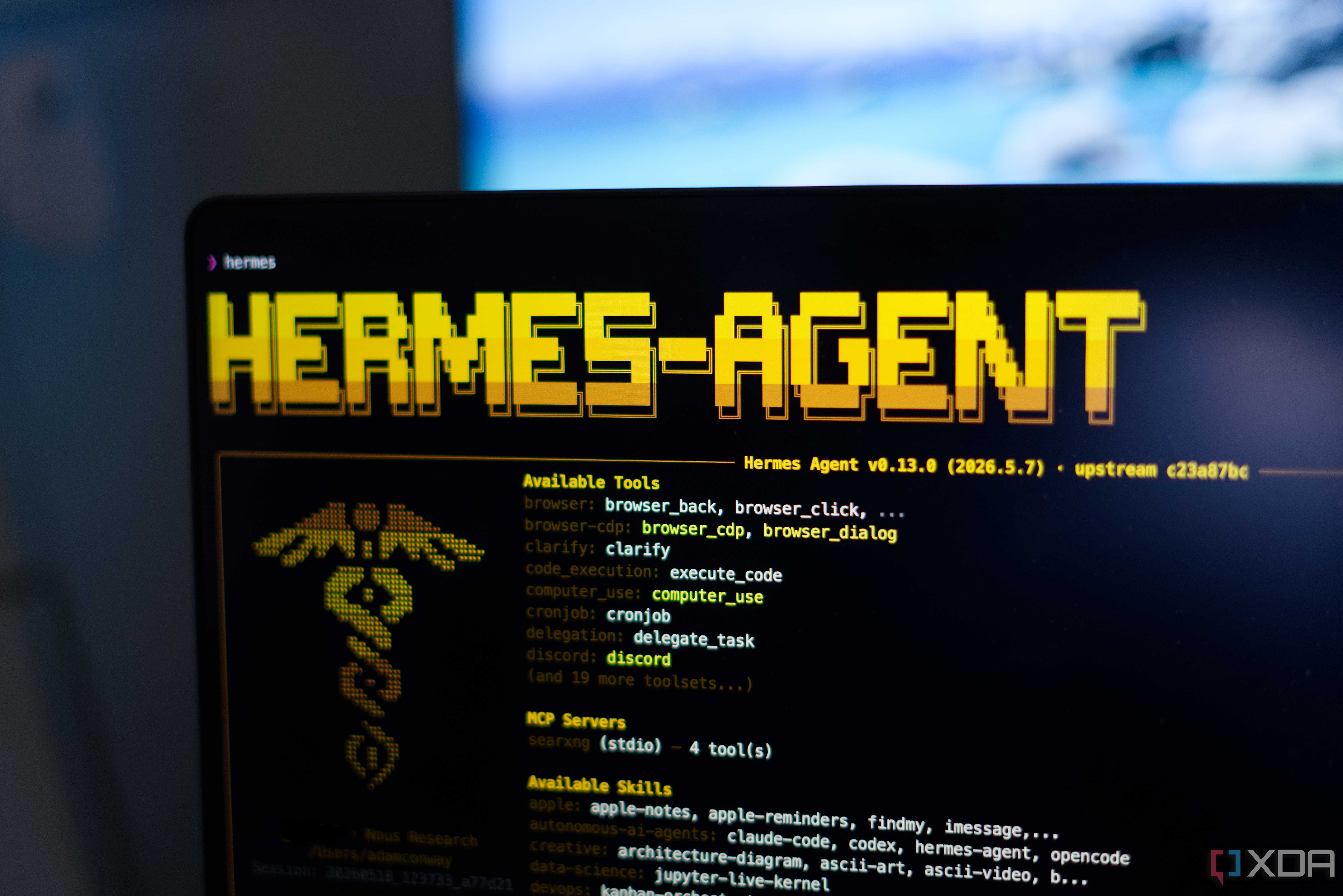
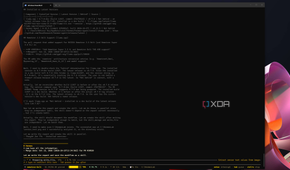
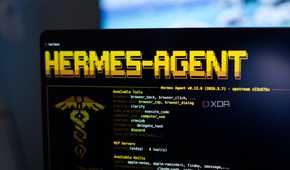
Recently, I couldn’t help but notice that it has become quite fashionable to let an agent and its sub-agents handle various tasks that many users consider tedious when it comes to PC maintenance. A lot of tech influencers and YouTubers like to showcase various capabilities of such agents running via Antigravity or Claude Code harnesses, but I’ve always found it worth thinking about how much information these apps relay to service providers, especially on personal computing devices.
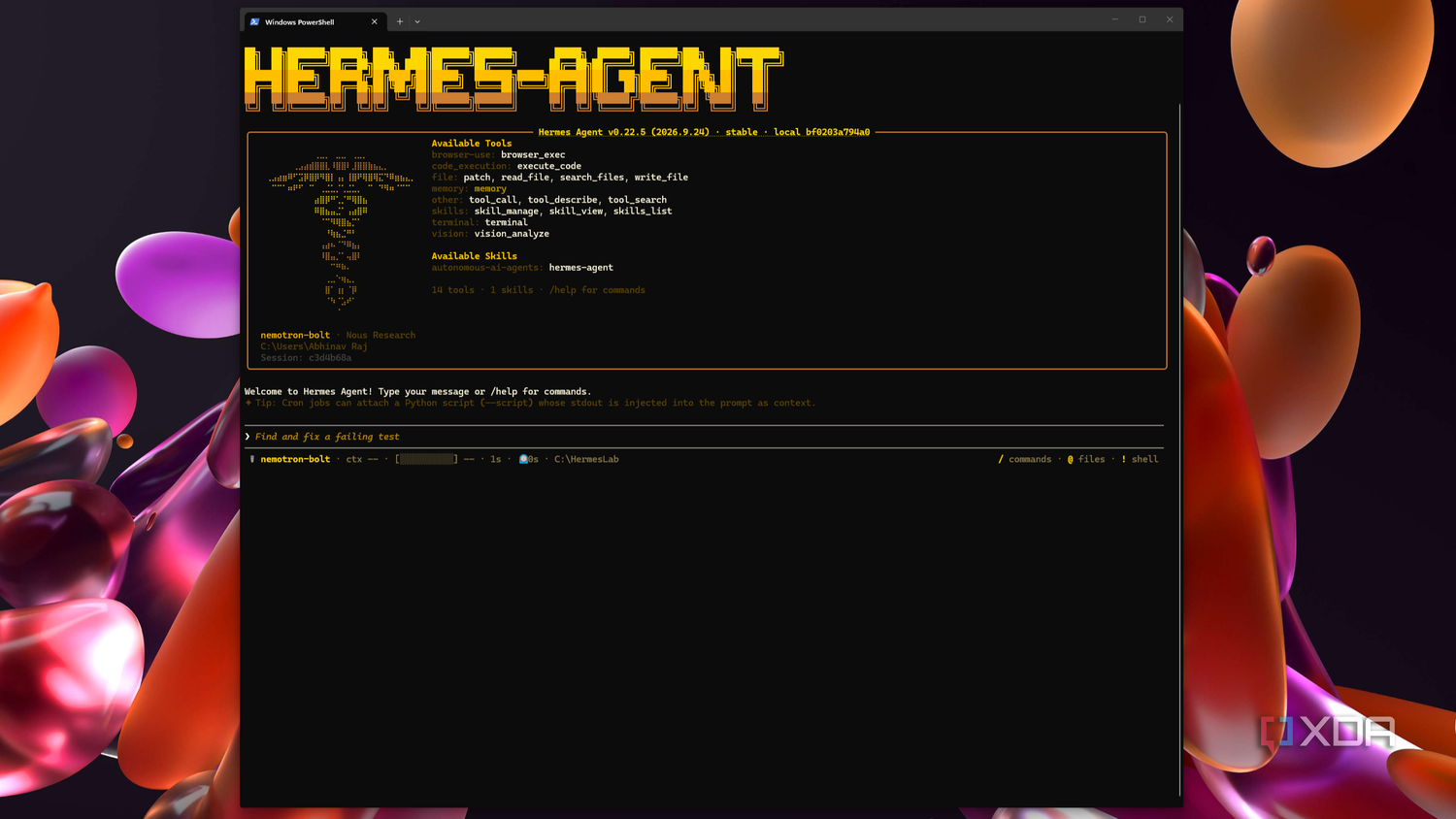
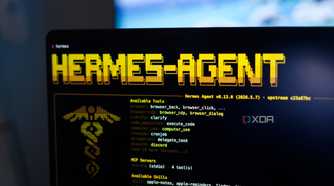
At the same time, I also get the appeal of going fully hands-off when it comes to menial tasks like updating your apps to their latest versions by just dropping a prompt instead of manually chasing files yourself, and that is why I run Nemotron 3.5 Bolt through Hermes Agent on my own GPU. It has the power to get all of those tasks done, learn what it needs to about my machine, and load its notes into every session for ease of use, without any of that leaving my own network.
Vetting my documents and images for personally identifiable information
Everything can be made shareable with just a single prompt
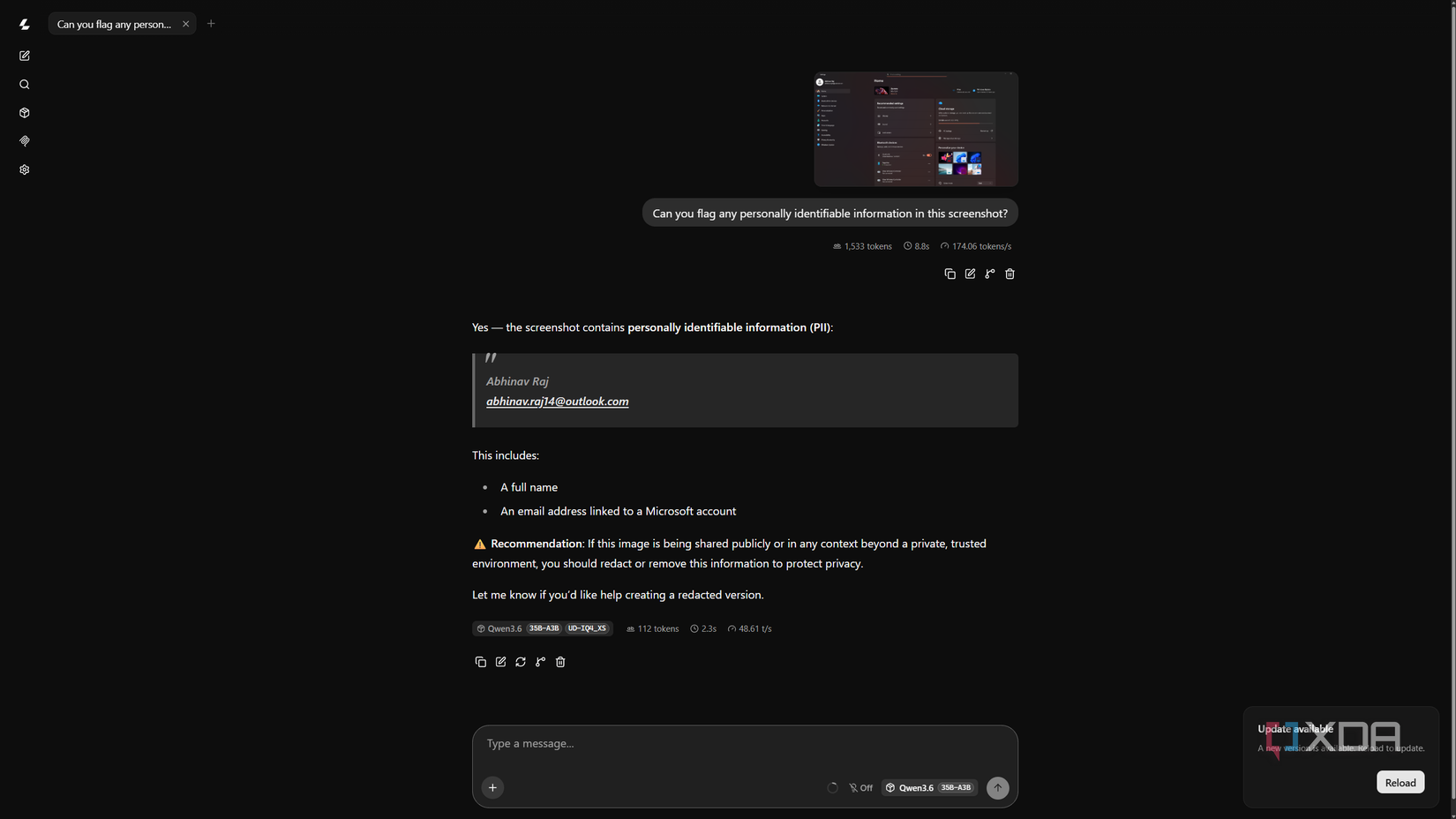
Screenshots are a big part of how I show my work, and they’re also where personal details can slip through. It could be an email address in the top left-hand corner of Windows Settings app, a Wi-Fi network name in Quick Settings, or a file name in a folder view that can end up in the public domain if I’m too lax with it. The catch is that checking a raw screenshot with a cloud model means uploading the very details I’m trying to keep private.
I imagine many other professions such as accounting and finance, as well as marketing and law, might have similar concerns surrounding client names and account details sitting in their documents. For me, the safest way to take a second look to see if there’s anything I’ve missed is to feed the data to a local model served via llama.cpp, and Qwen3.6-35B-A3B is the model I usually go to for this task which runs locally with its vision file.
Making sense of my finances
It comes in really handy during tax season
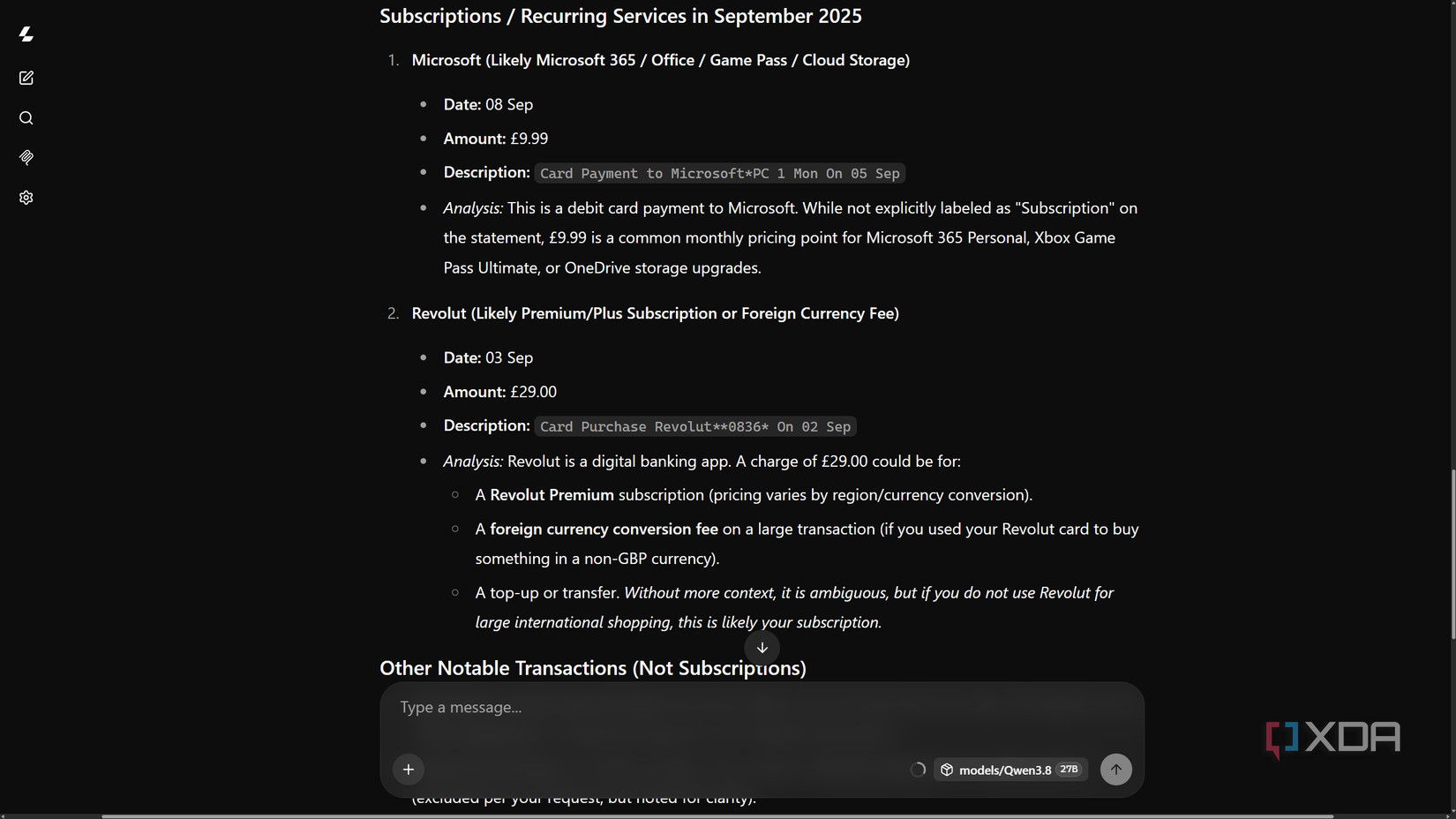
Before local LLMs were a thing, I would dread the tax season, perhaps more so than the average person. There’s quite a lot of issues surrounding making sense of your finances when the money you move between your bank accounts shows up twice, once coming in and once going out, and some transactions just miss your eye in the maze of a dozen similar transactions. The worst part is that your accountant needs every one of those lines matched and explained before anything gets filed.
My bank statements are about the most revealing documents I own, with balances, account numbers, and every person or business I’ve paid, so they’re the last thing I would want on a cloud server. Those are all the hassles I do not have with a local model that can make sense of that ocean of information while running locally on my GPU, which can effortlessly parse and reconcile transactions across all my accounts, pair up the transfers, and flag anything it can’t match so I can annotate it.
My local AI stack is saving my dollars, tokens, and my private data
My local LLM helps keep my personal and sensitive data private while aiding my productivity, and I believe I’ve established at least that much so far. However, an added advantage to complementing my workflow with a capable model such as Qwen3.6-35B-A3B is that it helps me become less reliant on cloud services that charge monthly subscription fees for the same jobs, and so, it is also generally fiscally responsible to have a model on your drive that you can frequently offload some of your work to and save your tokens for the tasks that warrant them most.